
Fixed Schedule
Schedule a part of your Workflow.
The Fixed Schedule Card lets you trigger some part of your Workflow at a specific time.
You can use the Fixed Schedule Card to send reminders to your users.
Add the Card
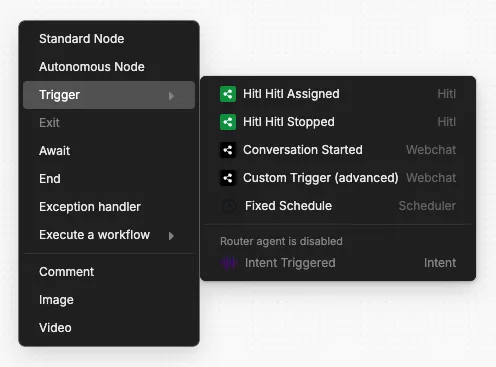
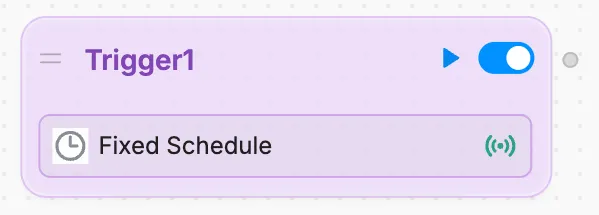
To add the Fixed Schedule Card:
Schedule the Card
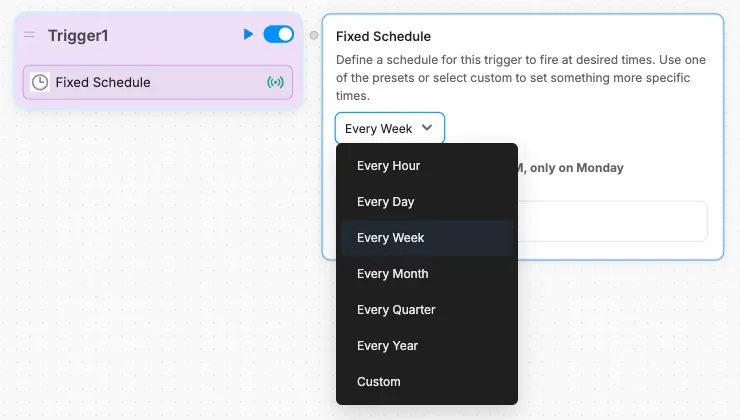
You can use the Card’s settings to schedule when it executes:
Set a Custom Schedule
You can use a cron expression to set a custom schedule for the Card.
To learn about cron expressions and test them out yourself, check out crontab guru.
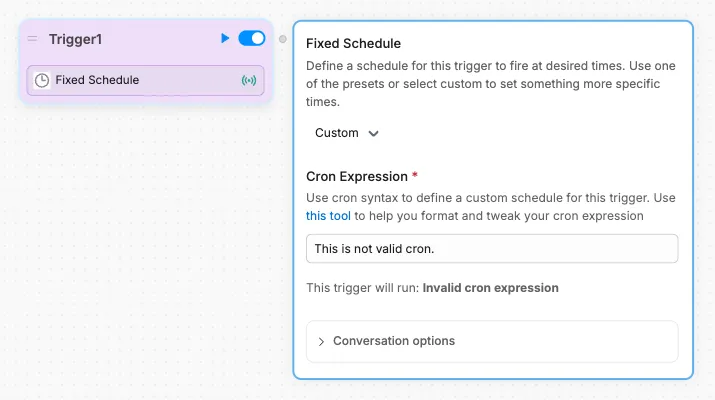
In the Card’s scheduling options, select Custom to open the cron field:
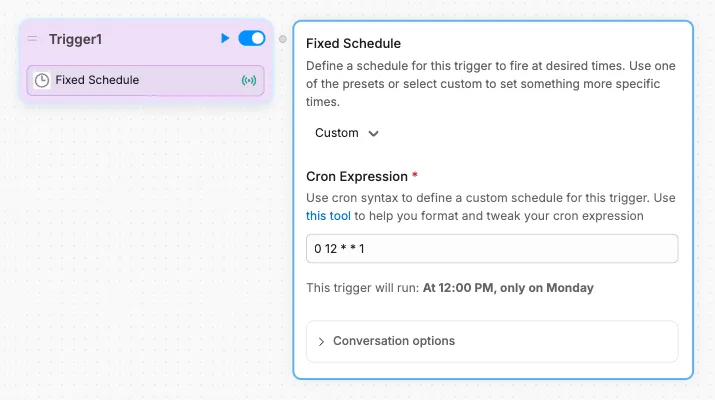
The Card will preview when the trigger is scheduled, or let you know if your cron expression is invalid: